
RawedRAW photo editor for Mac
A simple, native macOS RAW editor.
It also has the tools pros finish photos with: masks that select the sky or the subject in one click, tone curves, colour grading and HDR merge.
With Rawed+, an AI agent can operate the app for you.
Pay once. No subscription.
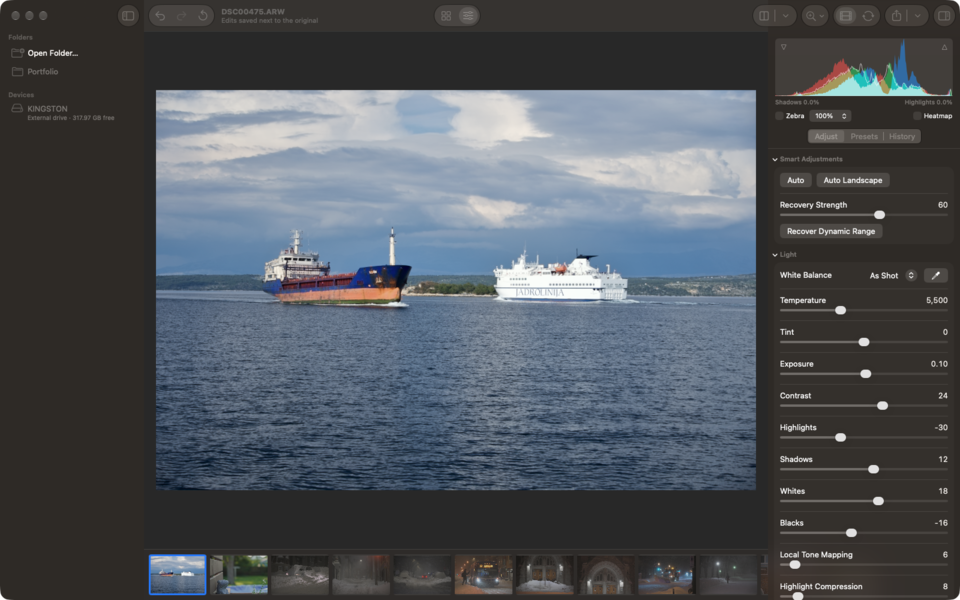
Auto
One click sets exposure, contrast and white balance for each photo. For landscapes and sunsets, Auto Landscape holds back the sky and lifts the foreground. Recover Dynamic Range (0 to 100) protects highlights and brings up dark areas.
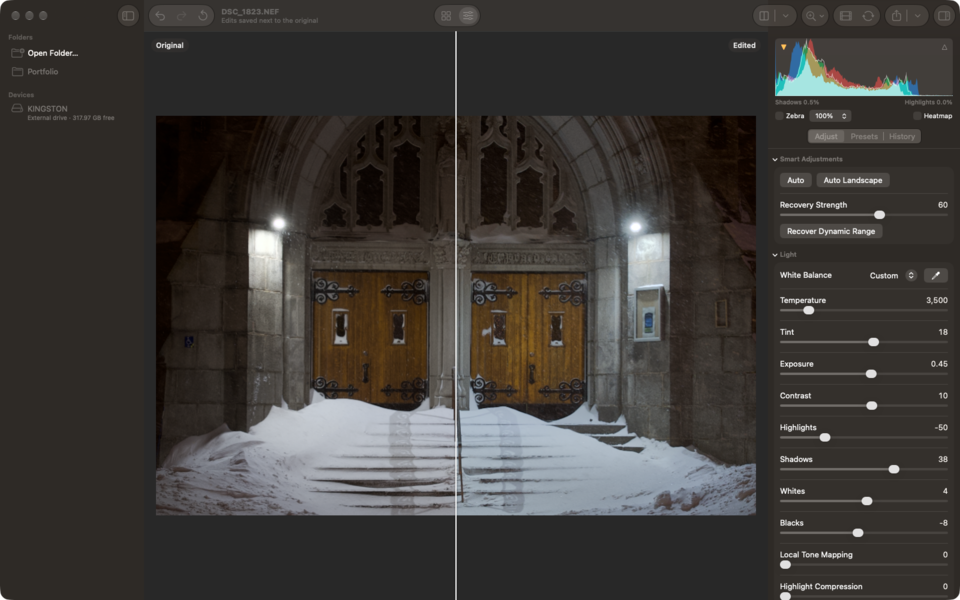
Masks
Select Sky and Select Subject pick out the sky or your subject in one click. Add linear and radial gradients, a brush, luminance range or colour range, and combine them with add, subtract and intersect. Each mask gets 12 adjustments, from exposure to saturation.
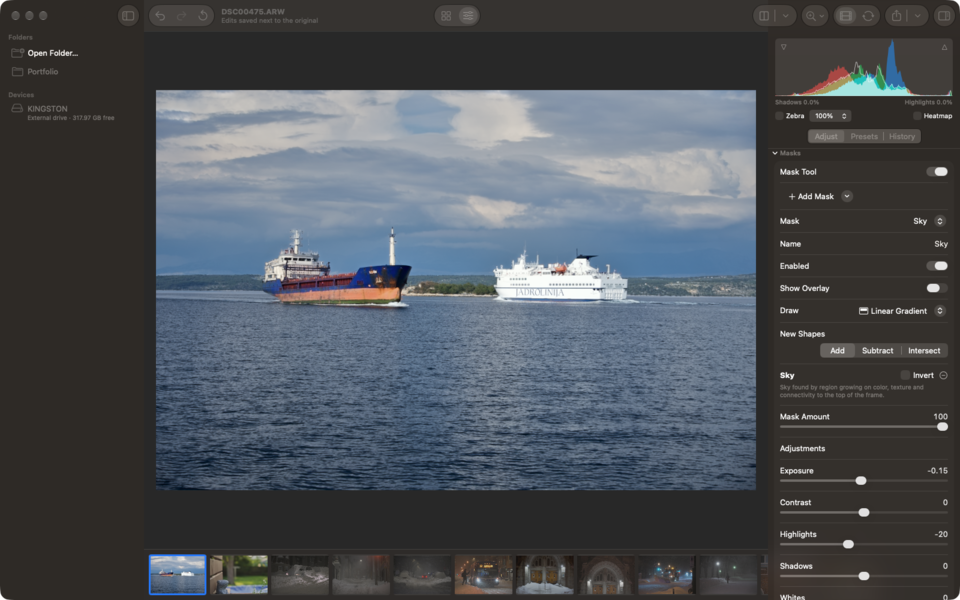
Colour
Tone curves (RGB, per channel and parametric), the Colour Mixer for hue, saturation and luminance across 8 colours, and colour grading for shadows, midtones and highlights. Set white balance with temperature and tint, or click a neutral spot with the eyedropper.
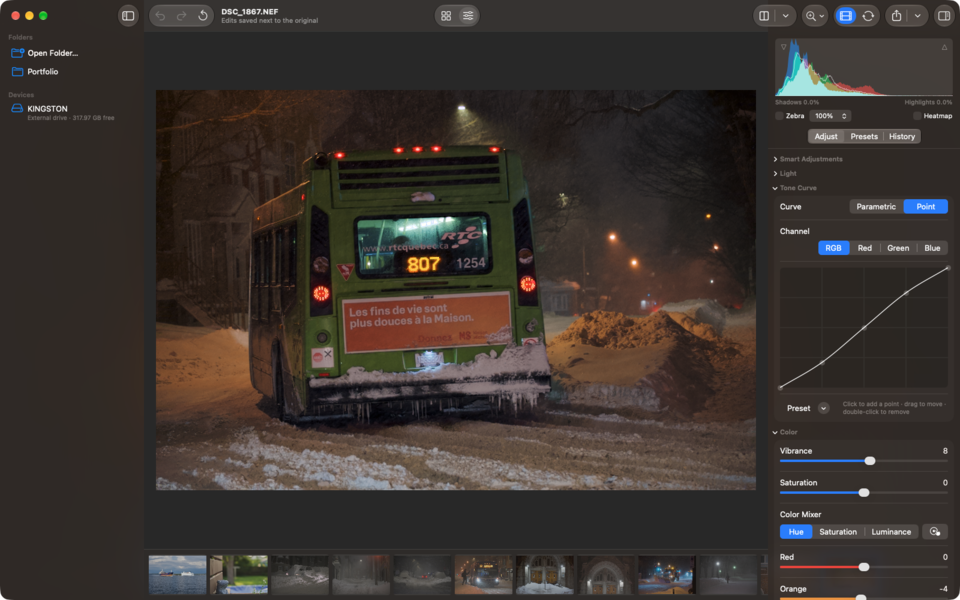
HDR merge
Merge two or more bracketed exposures. Rawed aligns them, removes ghosting and saves a linear HDR TIFF that opens straight in the editor.
AI agents (Rawed+)
Let an AI agent such as Claude drive Rawed over MCP: adjustments, masks, export, anything the app can do. Every step can be undone. Setup and tool reference
Fix one photo
DSC00475: the sky looks washed out and the sea and ships in front are dark. Bring back the colour in the sky and brighten the ships a bit.
rawed · get_photo_info(path: "DSC00475.ARW")
{"camera": "SONY ILCE-6400", "lens": "E 18-135mm F3.5-5.6 OSS", "exposure": "1/400 s · f/5.0 · ISO 160 · 43 mm", "as_shot_temperature": 5431, "baseline_exposure_ev": 0.4}
rawed · get_analysis(path: "DSC00475.ARW")
{"dynamic_range_ev": 5.84, "top_vs_bottom_ev": 2.55, "highlight_clip_percent": 0.77, "recoverable_highlight_percent": 0.72, "shadow_clip_percent": 0.0}
rawed · render_preview(path: "DSC00475.ARW", max_size: 1024)
Edited preview, 1024×683.
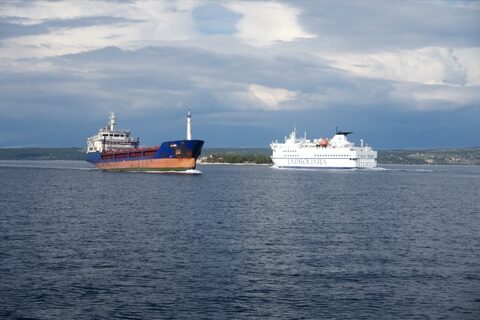
The top of the frame is 2.5 EV brighter than the bottom, and 0.77% of the highlights are clipped (0.72% recoverable from the RAW data). No shadows are clipped. I’ll pull down highlights and whites first, then lift the darker areas.
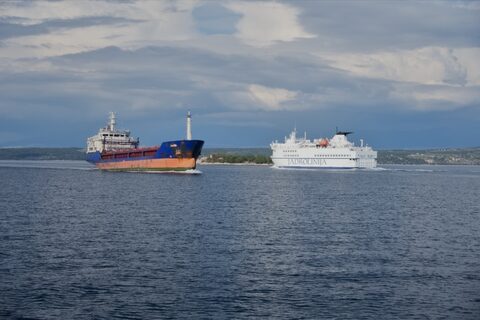
rawed · update_recipe(path: "DSC00475.ARW", changes: {"light":{"highlights":-50,"whites":-15}})
Applied “Pull back the bright sky”. Changed: {"light":{"highlights":-50,"whites":-15}}
rawed · render_preview(path: "DSC00475.ARW", max_size: 1024)
Edited preview, 1024×683.
rawed · update_recipe(path: "DSC00475.ARW", changes: {"light":{"shadows":25,"exposure":0.15}})
Applied “Lift the sea and ships”. Changed: {"light":{"exposure":0.15,"shadows":25}}
rawed · render_preview(path: "DSC00475.ARW", max_size: 1024)
Edited preview, 1024×683.
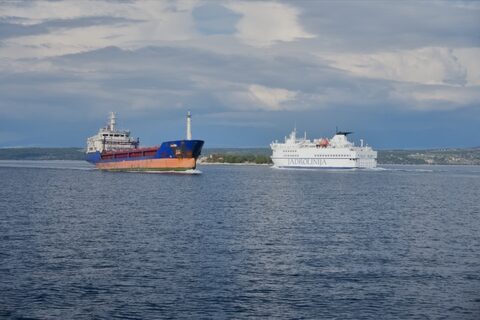
The global changes leave the sky a little bright, so I’ll darken it with a sky mask and add light to the two ships with a radial mask.
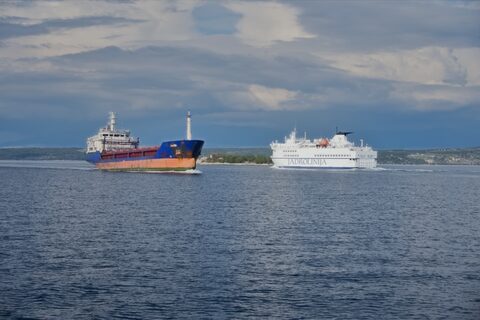
rawed · edit_mask(path: "DSC00475.ARW", action: "add", name: "Sky", shape: {"kind":"sky"}, adjustments: {"exposure":-0.3,"dehaze":15,"saturation":10})
Added mask “Sky”.
rawed · render_preview(path: "DSC00475.ARW", max_size: 1024)
Edited preview, 1024×683.
rawed · edit_mask(path: "DSC00475.ARW", action: "add", name: "Ships", shape: {"kind":"radial_gradient","center":{"x":0.48,"y":0.47},"radius_x":0.32,"radius_y":0.1,"feather":60}, adjustments: {"exposure":0.3,"clarity":10})
Added mask “Ships”.
rawed · render_preview(path: "DSC00475.ARW", max_size: 1024)
Edited preview, 1024×683.
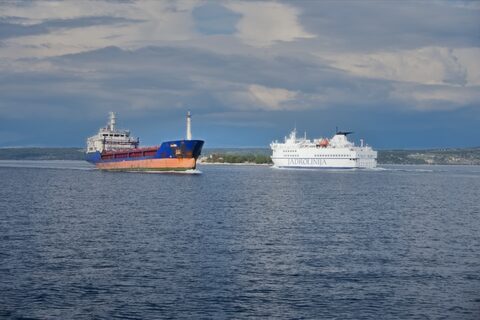
rawed · render_preview(path: "DSC00475.ARW", max_size: 1024, original: true)
Original preview, 1024×683.
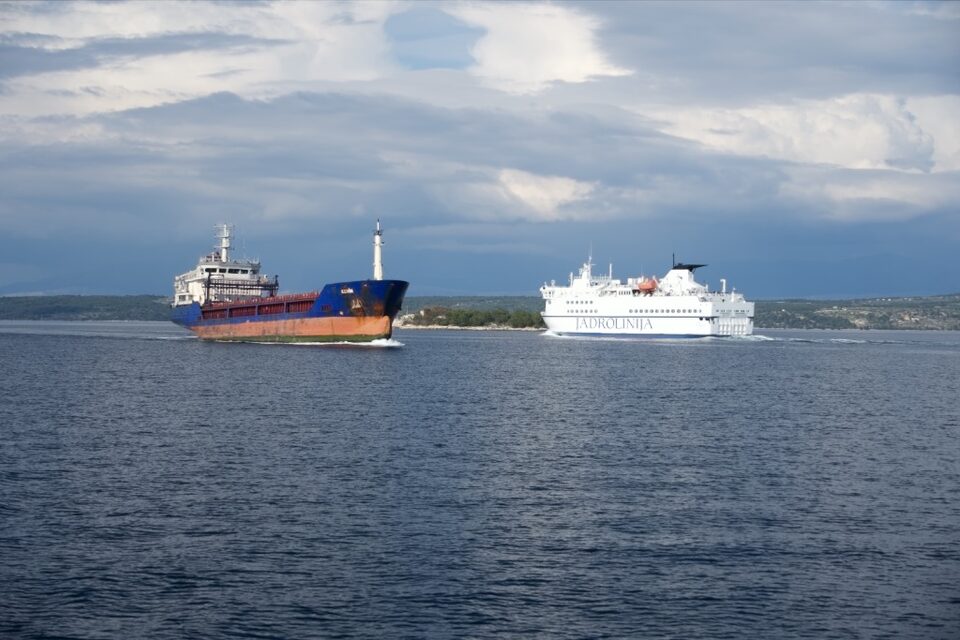
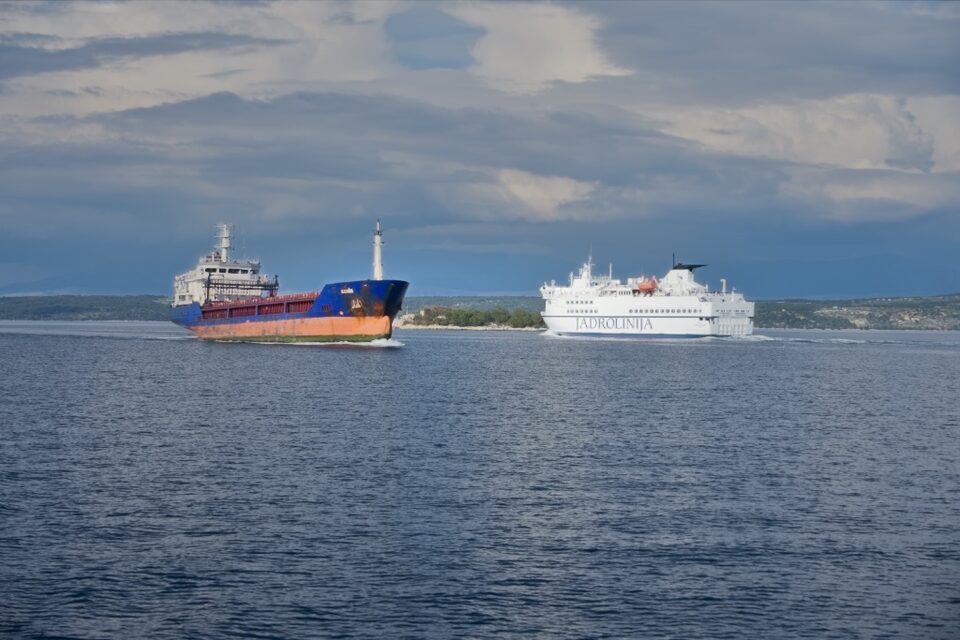
Highlights −50, whites −15, shadows +25, exposure +0.15. Sky mask: exposure −0.3, dehaze +15, saturation +10. Radial mask on the ships: exposure +0.3, clarity +10. Each step is in Rawed’s history and can be undone with ⌘Z.
Match a whole shoot
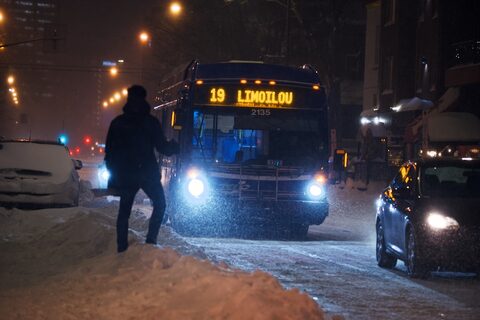
This folder has 22 shots from one snowy evening in Quebec City, and the brightness and colour jump from frame to frame. Make them look like one series, take the look from DSC_1803, then export full-size JPEGs for the client and 2048 px copies for the web, without location data.
rawed · list_photos(folder: "photos")
22 photos: DSC_1764.NEF, DSC_1767.NEF, DSC_1770.NEF, …
rawed · assess_photos(paths: ["DSC_1764.NEF", "DSC_1767.NEF", … 22 photos], include: ["exposure"])
{"DSC_1791.NEF": {"ev_offset": -2.43, "highlight_clip_percent": 0.56}, "DSC_1835.NEF": {"ev_offset": -1.88, "highlight_clip_percent": 0.21}, "DSC_1806.NEF": {"ev_offset": -1.26, "highlight_clip_percent": 1.08}} …
… and 19 more photos in the same reply
rawed · get_photo_info(path: "DSC_1764.NEF")
{"as_shot_temperature": 3458, "as_shot_tint": 25}
… the same call for 21 more photos
As shot, the frames sit between −2.43 and −1.26 EV against 18% grey, a spread of 1.2 EV, and the camera picked white balances from 2705 K to 4490 K. I’ll bring every frame to the set’s median plus 0.4 EV (−1.48 EV), which means exposure changes from −0.22 to +0.95 EV, and give all of them one white balance: 3400 K, tint +19, the median of the camera’s own values.
rawed · render_preview(path: "DSC_1764.NEF", max_size: 360, original: true)
DSC_1764.NEF: Original preview, 360×240.
… the same call for 21 more photos
rawed · update_recipe(path: "DSC_1791.NEF", changes: {"light": {"exposure": 0.95}})
DSC_1791.NEF: Applied “Match exposure”. Changed: {"light":{"exposure":0.95}}
rawed · update_recipe(path: "DSC_1835.NEF", changes: {"light": {"exposure": 0.4}})
DSC_1835.NEF: Applied “Match exposure”. Changed: {"light":{"exposure":0.4}}
rawed · update_recipe(path: "DSC_1806.NEF", changes: {"light": {"exposure": -0.22}})
DSC_1806.NEF: Applied “Match exposure”. Changed: {"light":{"exposure":-0.22}}
… the same call for 19 more photos
rawed · set_white_balance(path: "DSC_1764.NEF", mode: "custom", temperature: 3400, tint: 19)
DSC_1764.NEF: White balance: {"mode": "custom", "temperature": 3400, "tint": 19}
… the same call for 21 more photos
Exposure and white balance now match. Next, the look on DSC_1803: a medium contrast curve, some vibrance, a little clarity and dehaze, cool shadows, warm highlights and a light vignette.
rawed · apply_tone_curve_preset(path: "DSC_1803.NEF", preset: "medium_contrast")
DSC_1803.NEF: Tone curve rgb: mediumContrast.
rawed · update_recipe(path: "DSC_1803.NEF", changes: {"color": {"vibrance": 12}, "presence": {"clarity": 10, "dehaze": 6}, "colorGrading": {"shadows": {"hue": 215, "saturation": 14, "luminance": 0}, "highlights": {"hue": 40, "saturation": 10, "luminance": 0}}, "effects": {"vignette": {"amount": -10}}})
DSC_1803.NEF: Applied “Night look”. Changed: {"color":{"vibrance":12},"colorGrading":{"highlights":{"hue":40,"luminance":0,"saturation":10},"shadows":{"hue":215,"luminance":0,"saturation":14}},"effects":{"vignette":{"amount":-10}},"presence":{"clarity":10,"dehaze":6}}
rawed · render_preview(path: "DSC_1803.NEF", max_size: 1024)
DSC_1803.NEF: Edited preview, 1024×683.
rawed · paste_settings(source: "DSC_1803.NEF", paths: ["DSC_1764.NEF", "DSC_1767.NEF", … 21 photos], categories: ["toneCurve", "color", … 5 items])
Pasted toneCurve, color, colorGrading, presence, effects from DSC_1803.NEF to 21 photos.
I pasted the look to the other 21 photos without exposure or white balance, so the matching stays. 4 frames had street lamps or headlights clipping as shot (DSC_1791, DSC_1803, DSC_1806, DSC_1829); in those I pull the highlights down by 40.
rawed · update_recipe(path: "DSC_1791.NEF", changes: {"light": {"highlights": -40}})
DSC_1791.NEF: Applied “Hold the lamp highlights”. Changed: {"light":{"highlights":-40}}
… the same call for 3 more photos
rawed · render_preview(path: "DSC_1764.NEF", max_size: 360)
DSC_1764.NEF: Edited preview, 360×240.
… the same call for 21 more photos
rawed · export(paths: ["DSC_1764.NEF", "DSC_1767.NEF", … 22 photos], format: "jpeg", quality: 0.9, size: "original", remove_location: true, directory: "client")
{"completed": 22, "failures": [], "outputs": ["client/DSC_1767.jpg", "… 22 files"]}
rawed · export(paths: ["DSC_1764.NEF", "DSC_1767.NEF", … 22 photos], format: "jpeg", quality: 0.8, size: "long_edge", long_edge: 2048, remove_location: true, file_name: "{name}-web", directory: "web")
{"completed": 22, "failures": [], "outputs": ["web/DSC_1767-web.jpg", "… 22 files"]}
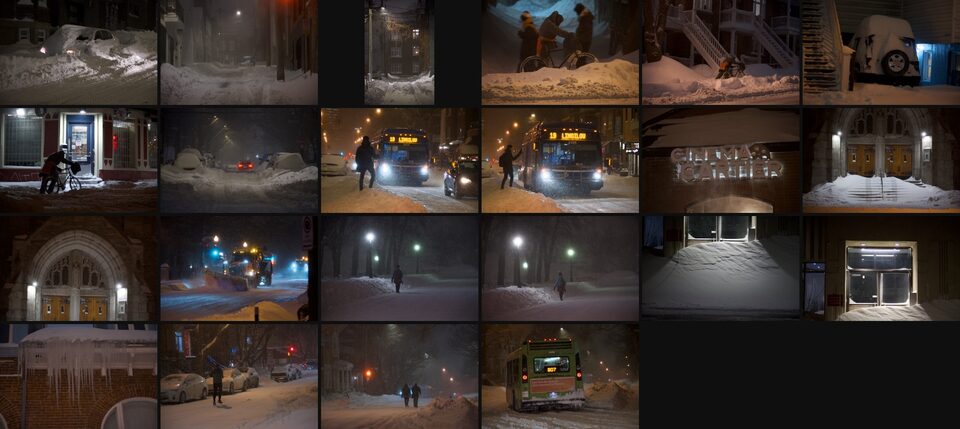
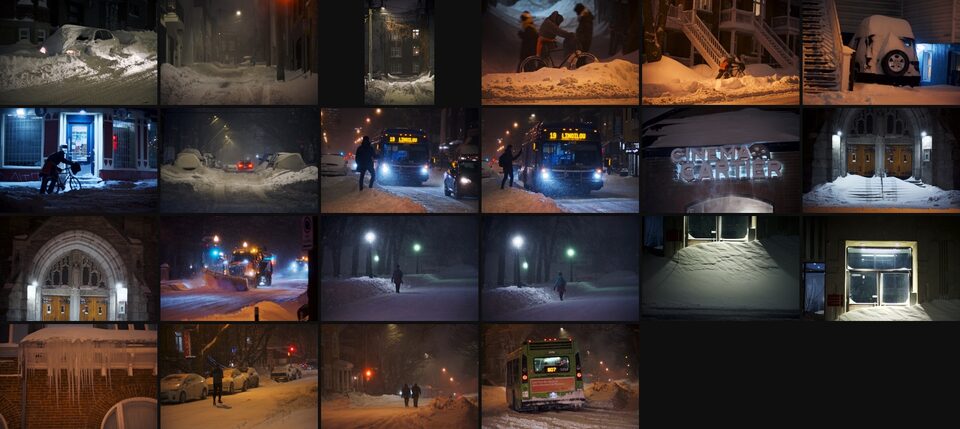
22 full-size JPEGs in client/ and 22 web copies (2048×1365) in web/, exported with location removal on. 123 tool calls in all. Every change is a step in that photo’s own history and can be undone.
Cull a shoot
28 frames from a St Patrick’s Day parade, mostly bursts. Reject anything out of focus or badly exposed, keep the best frame of each burst, and mark the keepers.
rawed · assess_photos(paths: ["DSC_2525.NEF", "DSC_2526.NEF", … 28 photos])
{"DSC_2527.NEF": {"sharpness": {"score": 78, "likely_blurry": false, "relative_to_group_best": 0.87}, "exposure": {"highlight_clip_percent": 0.25, "likely_overexposed": false}, "faces": {"count": 2, "any_eyes_closed": false}, "duplicate_group": 1}, "DSC_2528.NEF": {"sharpness": {"score": 81, "likely_blurry": false, "relative_to_group_best": 1}, "exposure": {"highlight_clip_percent": 0.08, "likely_overexposed": false}, "faces": {"count": 5, "any_eyes_closed": true}, "duplicate_group": 1}, "DSC_2547.NEF": {"sharpness": {"score": 69, "likely_blurry": false, "relative_to_group_best": 0.74}, "exposure": {"highlight_clip_percent": 7.18, "likely_overexposed": true}, "faces": {"count": 1, "any_eyes_closed": false}, "duplicate_group": 5}} … {"duplicate_groups": [{"group": 1, "photos": 4, "suggested_keep": "DSC_2527.NEF"}, {"group": 2, "photos": 9, "suggested_keep": "DSC_2539.NEF"}, {"group": 3, "photos": 2, "suggested_keep": "DSC_2540.NEF"}, {"group": 4, "photos": 3, "suggested_keep": "DSC_2558.NEF"}, {"group": 5, "photos": 6, "suggested_keep": "DSC_2550.NEF"}, {"group": 6, "photos": 2, "suggested_keep": "DSC_2556.NEF"}]}
… and 25 more photos in the same reply
None of the 28 frames looks blurry (sharpness 61 to 92 out of 100) and none is underexposed. DSC_2547 is overexposed, with 7.2% of the highlights clipped. 26 frames fall into 6 groups of near-duplicates, and 2 have no duplicate. In the first burst of 4 the sharpest frame has a face with eyes likely closed, so Rawed suggests DSC_2527 instead. The eye check is only a hint and can come from someone in the crowd. I’ll pick the suggested frame of each group and the 2 frames without duplicates, and reject the rest.
rawed · set_rating(paths: ["DSC_2527.NEF", "DSC_2539.NEF", … 8 photos], rating: 3, flag: "pick")
Set rating 3, flag pick on 8 photos.
rawed · set_rating(paths: ["DSC_2525.NEF", "DSC_2526.NEF", … 20 photos], flag: "reject")
Set flag reject on 20 photos.
rawed · render_preview(path: "DSC_2525.NEF", max_size: 320)
DSC_2525.NEF: Edited preview, 320×214.
… the same call for 27 more photos
Picks and rejects
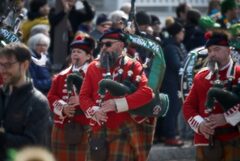
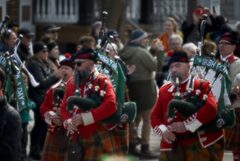
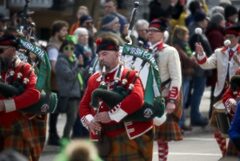
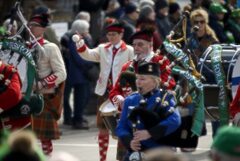
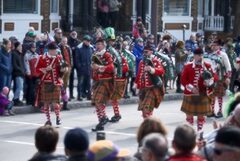
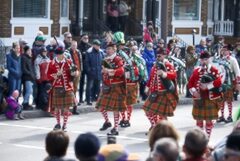
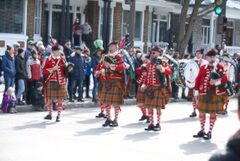
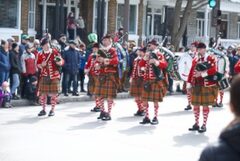
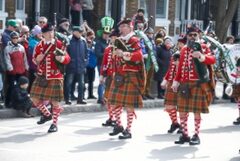
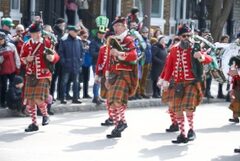
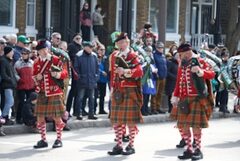
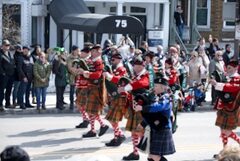
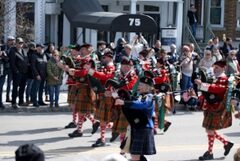
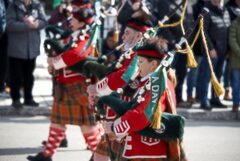
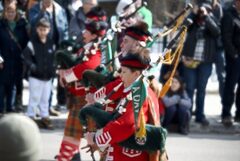
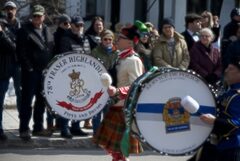
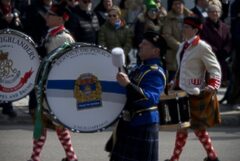
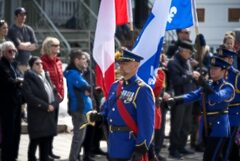
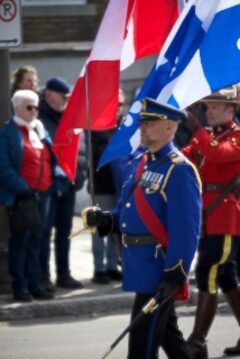
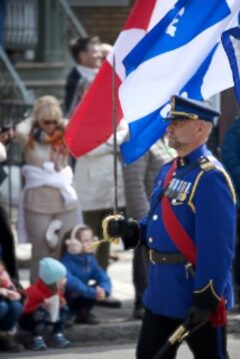
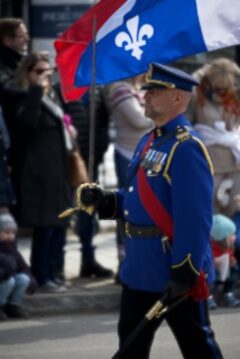
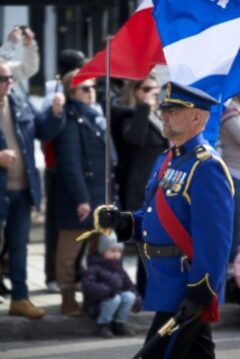
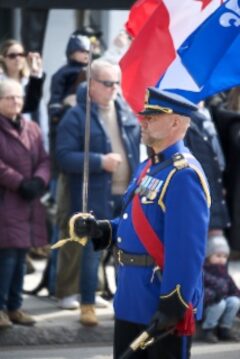
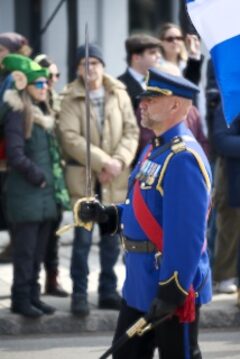
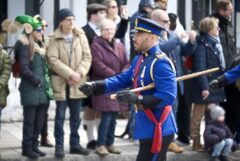
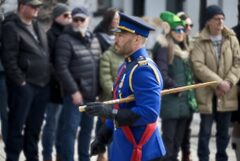
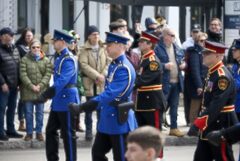
8 picks with 3 stars and 20 rejects. Nothing is deleted: filter the library by flag to see either set.
Photos in the shoot examples: Wilfredor, CC0 1.0, from the Internet Archive. Shown here as small previews.
All features
RAW
- RAW engine
- Apple’s RAW engine. The decoder version is recorded per photo
- RAW settings
- Highlight recovery, gamut mapping, base curve, shadow boost, baseline exposure
- RAW detail
- Capture sharpening, moiré reduction (supported formats), luminance and colour noise reduction
Light
- Basic
- Exposure (±5 EV), contrast, highlights, shadows, whites, blacks
- Tone
- Local tone mapping, highlight compression, Recover Dynamic Range (0–100)
- White balance
- As Shot, Auto, Custom (2,000–50,000 K, tint −150 to +150), eyedropper
- Auto
- Auto, Auto Landscape
Colour
- Tone curve
- Point curve (RGB, R, G, B), parametric curve (highlights, lights, darks, shadows, three split points), presets (Linear, Medium, Strong)
- HSL
- Hue, saturation and luminance for 8 colours (red, orange, yellow, green, aqua, blue, purple, magenta)
- Colour grading
- Hue, saturation and luminance for shadows, midtones and highlights; blending, balance
- Saturation
- Vibrance, saturation
Detail and effects
- Sharpening
- Amount, radius, detail, masking (mask shown while adjusting)
- Noise reduction
- Luminance (detail, contrast), colour (detail, smoothness). Loads a Core ML denoise model you provide
- Effects
- Texture, clarity, dehaze, post-crop vignette (amount, midpoint, roundness, feather, highlights)
Lens and geometry
- Lens
- Lens profile correction (on/off), distortion, vignetting, defringe
- Crop
- Aspect presets, custom ratios, straighten, Auto Straighten
- Transform
- 90° rotation, horizontal and vertical flip, perspective (vertical, horizontal, rotate, aspect, scale, offset)
Masks
- Types
- Select Sky, Select Subject, linear gradient, radial gradient, brush (size, feather, flow, density, erase), luminance range, colour range
- Combine
- Add, subtract, intersect, invert
- Local adjustments
- Exposure, contrast, highlights, shadows, whites, blacks, temperature, tint, saturation, sharpness, clarity, dehaze
View
- Histogram
- RGB, luminance
- Exposure checks
- Highlight and shadow clipping, zebra (95%, 98%, 100%), exposure heatmap
- Compare
- Split, side by side, hold Space for the original
- Display
- Zoom 25–400%, EDR preview on HDR displays
Library
- Culling
- Ratings (0–5), flags (pick, reject), colour labels (5 colours)
- Sort and filter
- Sort by capture time, file name or rating. Filter by rating, flag or file type
- Files
- Folders shown as they are, RAW + JPEG pairs as one photo, memory cards and external drives (grouped by capture day, Copy to Folder)
Edits
- Non-destructive
- Originals are never modified; edits are saved in a sidecar file per photo
- History
- Undo, redo, history list
- Presets
- 7 built-in; create, import and export (.rspreset); copy and paste settings by category; batch apply
Export
- Formats
- JPEG, HEIF, PNG, TIFF (16-bit)
- Colour space
- sRGB, Display P3
- Size
- Original, long edge, short edge, width × height, percentage, megapixels
- Options
- Quality, metadata (all, without location, without camera and location, copyright only, none), copyright and creator, output sharpening, resolution (ppi), text or image watermark, filename template with date and numbering, capture-date subfolders, batch export
- Presets
- One Export sheet, also for converting a card's photos without opening the editor. Presets: Full-Size JPEG, Web, Share, Small, Lossless PNG
HDR merge
- HDR merge
- Two or more bracketed photos, alignment, ghost removal (adjustable), saved as a linear HDR TIFF
AI agents (Rawed+)
- MCP
- rawed-mcp server for Claude Code, Codex and other MCP clients. Connections from the same Mac only. Turned on in Settings
Cameras
Sony, Canon, Nikon, Fujifilm, Panasonic, OM System, Olympus, Pentax, Leica, Hasselblad, ProRAW (DNG) from iPhone and iPad
Rawed opens the RAW files your Mac can open: 932 camera models as of October 2026. New cameras are added with macOS updates.
Pricing
Both editions have the same editor. The one difference: Rawed+ lets AI agents like Claude Code and Codex drive it for you. If you edit by hand, Rawed from the Mac App Store is all you need.
| Rawed (Mac App Store) | Rawed+ | |
|---|---|---|
| Price | $9.99, once | $9.99, once |
| Where to buy | Mac App Store | This website |
| Editor, masks, Export, cards | Yes | Yes |
| AI agents over MCP | No | Yes |
| Free trial | No | 14 days |
| Macs | Every Mac on your Apple Account | Up to 3 of your own Macs |
| Licence | Your Apple Account | Licence key, no expiry |
| Mac App Store, $9.99 | Buy Rawed+, $9.99Try it for free |
If you bought Rawed on the Mac App Store, Rawed+ costs nothing extra.
Download Rawed+ and open the App Store version once on the same Mac.
US prices, before tax. Prices and taxes, such as GST in Australia, differ by country.